
Introduction
Most “growth problems” aren’t marketing problems. They’re infrastructure problems in disguise.
If your app slows down during traffic spikes, costs explode, deployments feel risky, or security is “we hope it’s fine,” your AWS setup probably needs a stronger foundation.
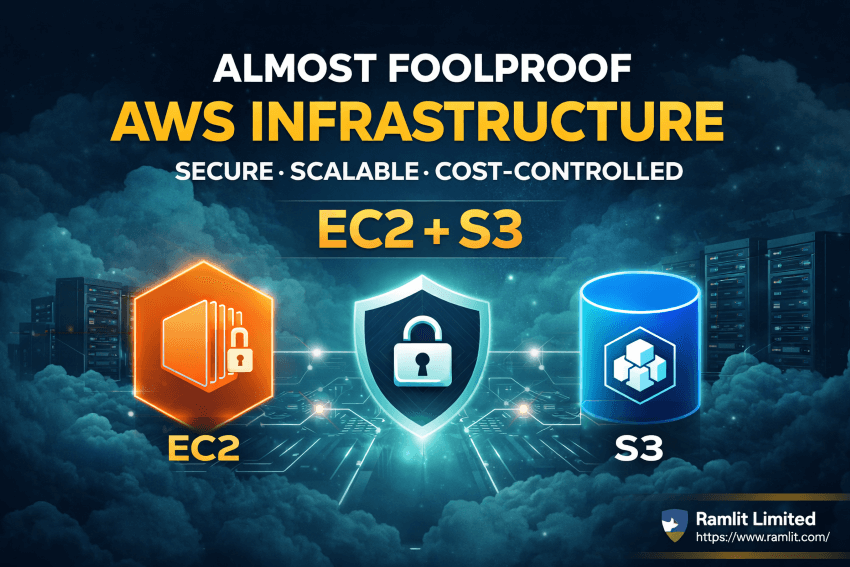
This guide gives you a practical, business-focused blueprint for building AWS cloud infrastructure using EC2 + S3 + VPC, then hardening it for security and optimizing it for cost—aligned with AWS’s Well-Architected approach (security, reliability, performance efficiency, cost optimization, operational excellence, sustainability). ([AWS Documentation][1])
Why EC2 + S3 is a Common “Core Stack”
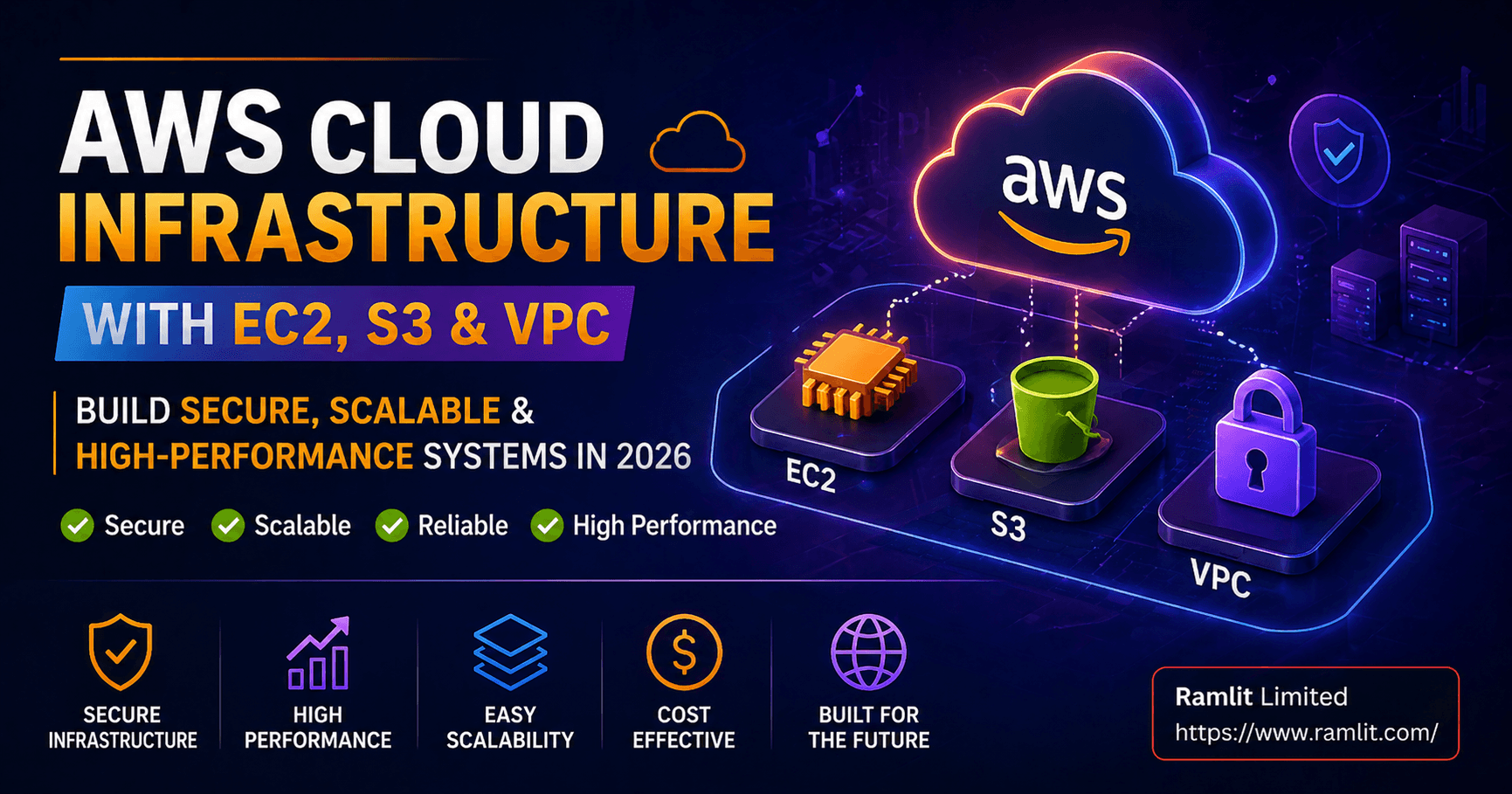
EC2 provides flexible compute for web apps, APIs, workers, and legacy workloads. S3 provides durable object storage for assets, backups, logs, media, and static files—often paired with CloudFront for delivery. The key is designing the surrounding architecture (VPC, access controls, logging, scaling) so it stays secure, reliable, and cost-effective as you grow. ([AWS Documentation][2])
The “Clean Architecture” Blueprint (What You Should Build)
A strong AWS foundation usually looks like this:
1) VPC network segmentation (security + clarity)
- Public subnets for load balancers/bastion (if used)
- Private subnets for EC2 app servers
- Separate subnets/controls for data layers (if you add RDS later)
- Security groups as primary traffic control + VPC Flow Logs for visibility ([AWS Documentation][3])
2) EC2 compute built for scaling and recovery
- Launch Templates + Auto Scaling Group (ASG) (even if you start with 1 instance)
- Immutable deployments (deploy new instances, cut traffic over)
- Golden AMI or container-based deployment for consistency AWS highlights best practices around security, storage, resource management, and backup planning for EC2. ([AWS Documentation][2])
3) S3 storage designed for security and cost
- Block public access by default
- Strong access control (least privilege)
- Encryption at rest + access logging + CloudTrail visibility
- Lifecycle rules to move old data to cheaper tiers and clean up waste ([AWS Documentation][4])
Security Hardening That Buyers Actually Need
Security isn’t “install more tools.” It’s reducing attack surface and improving visibility.
A) Identity and access: least privilege first
- Limit IAM permissions
- Separate environments (prod/staging)
- Use roles instead of long-lived keys where possible Your biggest wins come from “who can do what” being clean and intentional. (This aligns with the AWS Well-Architected Security pillar.) ([AWS Documentation][1])
B) VPC security controls
AWS recommended areas include using security groups properly, Flow Logs, and tools that help detect unintended access patterns. ([AWS Documentation][3])
C) S3 security controls (where many businesses get burned)
High-impact steps:
- Enable S3 Block Public Access at bucket/account level
- Disable/avoid risky ACL patterns where possible
- Use logging + CloudTrail for auditability AWS S3 security best practices specifically highlight logging, CloudTrail usage, and ongoing detective controls. ([AWS Documentation][4])
D) Logging and evidence (so you can respond fast)
If something goes wrong, you need proof:
- What changed
- Who changed it
- From where CloudTrail is a core source for that visibility for S3 activity, and more broadly across AWS services. ([AWS Documentation][4])
Cost Optimization: How to Stop AWS Bills From Creeping Up
Cost optimization is an architecture discipline—not a one-time discount hunt. ([AWS Documentation][1])
1) Right-size EC2 (and stop paying for idle)
Common waste patterns:
- Oversized instances “just in case”
- No autoscaling
- Always-on dev/staging environments EC2 best practices emphasize good resource management and planning. ([AWS Documentation][2])
2) Fix hidden networking costs (NAT, egress, inefficient routing)
A practical lever many teams miss: VPC endpoints can reduce traffic going out through NAT/IGW in certain designs and improve control over access paths. ([Amazon Web Services, Inc.][5])
3) Use S3 lifecycle policies (reduce storage cost automatically)
- Move old objects to cheaper storage classes
- Expire logs/temporary files
- Abort incomplete multipart uploads AWS explicitly calls out lifecycle rules as part of cost and best-practice hygiene. ([AWS Documentation][4])
A Simple “3-Step” Implementation Plan (Realistic and Safe)
Step 1: Audit and map your current setup
- What’s public vs private
- What’s exposed to the internet
- What logs are missing
- Where cost is concentrated
Step 2: Fix the foundation
- VPC segmentation + security groups cleanup
- S3: block public access + logging + least privilege
- EC2: backups/AMI strategy + basic scaling plan
Step 3: Optimize for growth
- Autoscaling + deployment improvements
- Cost controls (right-sizing + lifecycle + endpoint strategy)
- Monitoring + alerting + monthly review cadence (Well-Architected habit) ([AWS Documentation][1])
Bullet Points / Quick Takeaways
- EC2 + S3 works best when VPC boundaries, access control, and logging are designed intentionally. ([AWS Documentation][2])
- S3 should be private-by-default with Block Public Access, logging, and CloudTrail visibility. ([AWS Documentation][6])
- Cost optimization comes from right-sizing, reducing idle, lifecycle policies, and smarter network paths (like VPC endpoints where applicable). ([Amazon Web Services, Inc.][5])
- AWS Well-Architected pillars are a solid checklist for building infrastructure that scales without surprises. ([AWS Documentation][1])
Call to Action (CTA)
If you want AWS infrastructure that’s secure, scalable, and cost-controlled (without breaking production), I can help.
What I deliver:
- AWS infrastructure review (EC2/S3/VPC) + risk findings
- Security hardening plan (least privilege, logging, exposure reduction)
- Cost optimization plan (right-sizing, lifecycle policies, network cost fixes)
- Clean implementation roadmap (safe rollout, minimal downtime)
Send me: Your current AWS setup summary (or screenshot of key services) Your biggest pain (Cost / Security / Scaling / Downtime) Your app type (website, SaaS, eCommerce, API)
And I’ll reply with a quick recommended architecture plan.
FAQ
Is EC2 still a good choice in 2026?
Yes—EC2 remains a strong option for many workloads, especially when you need flexibility, control, or legacy compatibility. The key is applying best practices for management, security, and scaling. ([AWS Documentation][2])
How do I make S3 secure?
Use Block Public Access, apply least-privilege policies, enable logging/CloudTrail where appropriate, and follow AWS’s S3 security best practices. ([AWS Documentation][4])
What’s the fastest way to reduce AWS cost?
Usually: right-size EC2, eliminate idle environments, apply S3 lifecycle rules, and address network egress/NAT patterns when relevant. ([AWS Documentation][2])
Let's Work Together
Looking to build AI systems, automate workflows, or scale your tech infrastructure? I'd love to help.
- Fiverr (custom builds & integrations): fiverr.com/s/EgxYmWD
- Portfolio: mejba.me
- Ramlit Limited (enterprise solutions): ramlit.com
- ColorPark (design & branding): colorpark.io
- xCyberSecurity (security services): xcybersecurity.io