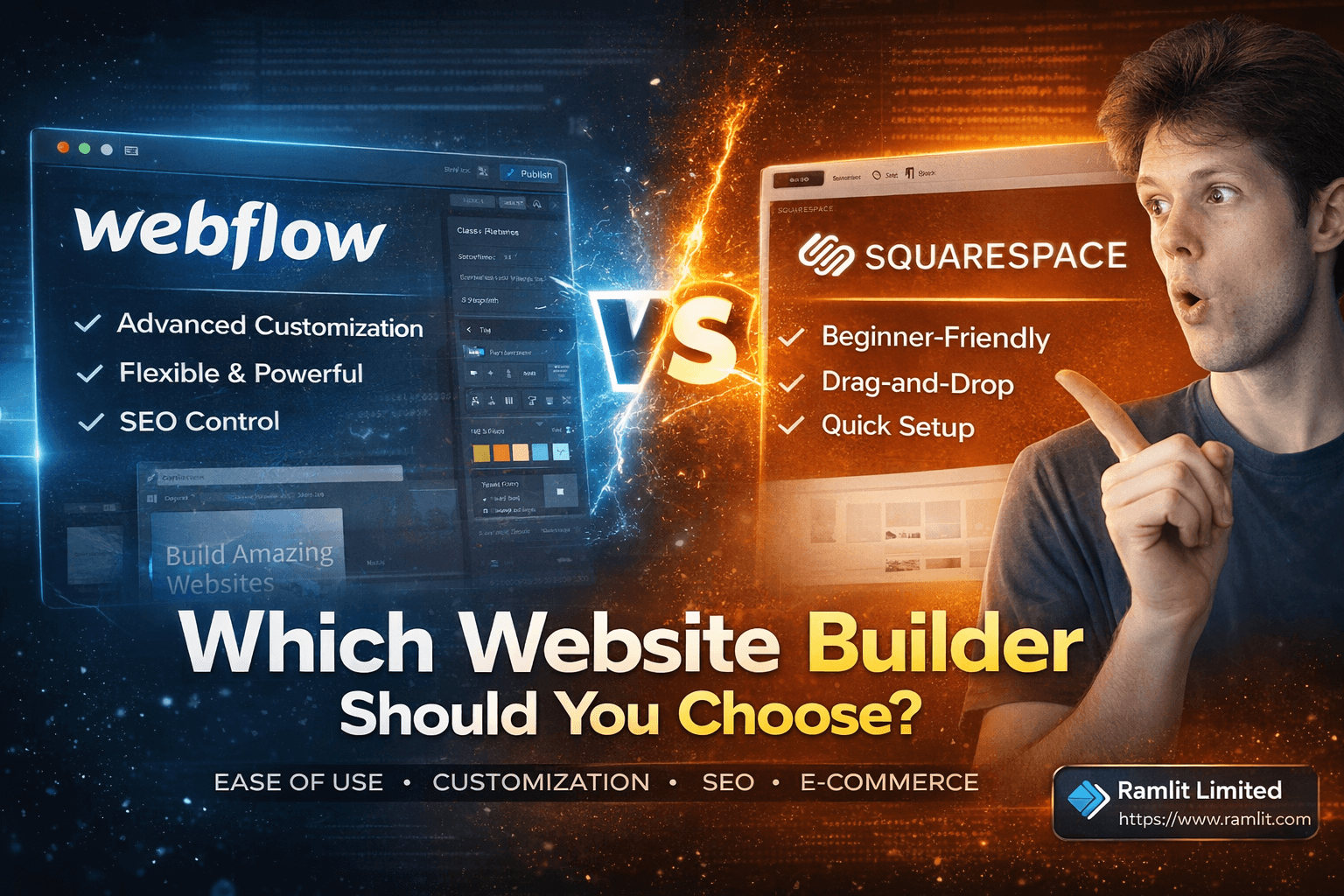

Webflow vs. Squarespace: Which Website Builder Should You Choose?
SEO meta-title: Webflow vs Squarespace: Which Website Builder Should You Choose? Meta-description: Compare Webflow vs Squarespace for ease of use, customization, SEO, e-commerce, and pricing. Pick the best website builder for your next project. Slug: webflow-vs-squarespace Excerpt: Squarespace is quick, simple, and beginner-friendly. Webflow is powerful and flexible, but takes more time to learn. Here’s how to choose the right one.
Introduction
Choosing a website builder can feel a bit like picking a phone—both options look great, both promise “easy,” and then you get stuck wondering which one actually fits your needs. Two of the most popular platforms right now are Squarespace and Webflow. They’re both known for clean templates, good user experience, and professional results, but they work very differently once you start building.
In this post, we’ll compare Webflow vs Squarespace across the big decision points: ease of use, customization, SEO, e-commerce, pricing, and who each platform is best for.
Getting Started: Setup and Templates
Squarespace setup
Squarespace keeps the beginning super simple. You click “Get Started”, choose a website category (like podcast, gaming, etc.), and Squarespace recommends helpful features. If you’re not sure, you can skip that step. Then you pick a template, select a look (like a color scheme), create your account, and name your site.
It’s basically “choose → click → edit.” That’s why people love it for quick launches.
Webflow setup
Webflow starts with creating an account too, but it asks what you’re building the site for (personal, business, student, etc.) so it can tailor the experience. After that, you can start from a blank canvas or use a template. In the transcript example, a template is chosen (like the Startup template) because it’s easier and faster than building from scratch.
Ease of Use: Which One Feels Simpler?
Squarespace: beginner-friendly drag-and-drop
Squarespace is designed for people who want results fast. Inside the editor, you can:
- press Edit
- add sections and blocks (text, images, videos, business tools)
- drag things around using a grid-like layout
- adjust fonts and colors through the Styles icon
Everything feels straightforward and “safe,” which is great if you don’t want to accidentally break your layout.
Webflow: more control, more learning
Webflow is more advanced. You still drag elements into place, but it’s not as “plug-and-play” as Squarespace. You get detailed control over:
- typography
- spacing and layout
- colors and styles
- positioning and structure
Webflow also has the Navigator tab, which shows all the nested elements (sections, div blocks, containers, etc.). That’s super helpful when pages get complex—but it also means the tool expects you to think a little more like a designer/developer.
Webflow’s vibe is: “customize anything without coding”, but knowing basic concepts like containers and div blocks can help a lot.
Customization: “Invisible Walls” vs Deep Freedom
Squarespace customization
Squarespace lets you customize a lot—just within the boundaries of its templates. The transcript describes this like being limited by “invisible walls.” In other words, you can make the site look great, but you can’t always go beyond what the system wants you to do unless you’re on higher plans or accept the template’s limitations.
Webflow customization
Webflow gives you much deeper control. You can fine-tune design details to match your brand exactly. If you want something unique, animated, or more custom-looking, Webflow usually wins.
So if you’re stuck choosing:
- Squarespace = fast + guided
- Webflow = flexible + powerful
SEO Capabilities (Based on the Transcript)
From the transcript, one clear SEO win mentioned for Squarespace is the ability to create short, concise URLs, which can help with both navigation and SEO friendliness.
Webflow is described as having more flexible and advanced setup options overall, which usually appeals to users who want more control over the structure and optimization of their site.
In short:
- Squarespace: simple SEO benefits like clean URLs
- Webflow: more control and flexibility for advanced users
E-Commerce Features
Squarespace e-commerce
Squarespace supports business and e-commerce blocks and integrations. It’s solid for basic to moderate online selling, especially if you’re a beginner and want something easy.
Webflow e-commerce
Webflow’s e-commerce setup is more involved, and it walks you through multiple steps to create a strong customer experience. You can add products through the Store option and build a store that matches your design more closely.
If you want a store that looks very custom and branded, Webflow has an edge—but again, it may take longer to learn.
Device Preview and Responsiveness
One feature clearly mentioned in the transcript: Webflow allows you to preview and customize designs for:
- desktop
- tablet
- smartphone
That’s a big deal if you care about how your website looks on different devices and want to fine-tune responsiveness.
Pricing: Quick Overview (From Transcript)
Squarespace pricing
Squarespace offers a 14-day free trial and has four pricing tiers (Personal, Business, Basic, Advanced). The transcript recommends the Personal plan for beginners who want a basic site with a custom domain.
It also mentions a 10% discount using the promo code: MYFIRSTWEBSITE (all caps).
Webflow pricing
Webflow is shown with multiple plans:
- Startup (great for testing)
- Basic (recommended for first publish and growth)
- CMS (content-heavy sites)
- Business (high traffic / commercial)
- Enterprise (custom, large-scale)
Differences mainly come down to:
- traffic limits
- CMS items
- form submissions
- number of editors
Final Recommendation: Which One Should You Pick?
Choose Squarespace if you want:
- a fast setup
- a beginner-friendly editor
- an out-of-the-box site that looks professional quickly
- a platform that doesn’t overwhelm you
Choose Webflow if you want:
- advanced customization and design freedom
- stronger control over layout and structure
- a platform that can grow into complex builds
- a more “build anything” approach (with a learning curve)
FAQs
Is Squarespace easier than Webflow? Yes. Based on the transcript, Squarespace is more beginner-friendly with simpler drag-and-drop tools and faster publishing.
Does Webflow require coding? Not necessarily. Webflow markets “customize without coding,” but understanding basic structure (like div blocks and containers) helps a lot.
Which is better for a custom-looking website? Webflow, because it offers deeper design control and customization options.
Which one is better for launching quickly? Squarespace. It’s designed for quick setup with templates and simple editing.
Let's Work Together
Looking to build AI systems, automate workflows, or scale your tech infrastructure? I'd love to help.
- Fiverr (custom builds & integrations): fiverr.com/s/EgxYmWD
- Portfolio: mejba.me
- Ramlit Limited (enterprise solutions): ramlit.com
- ColorPark (design & branding): colorpark.io
- xCyberSecurity (security services): xcybersecurity.io