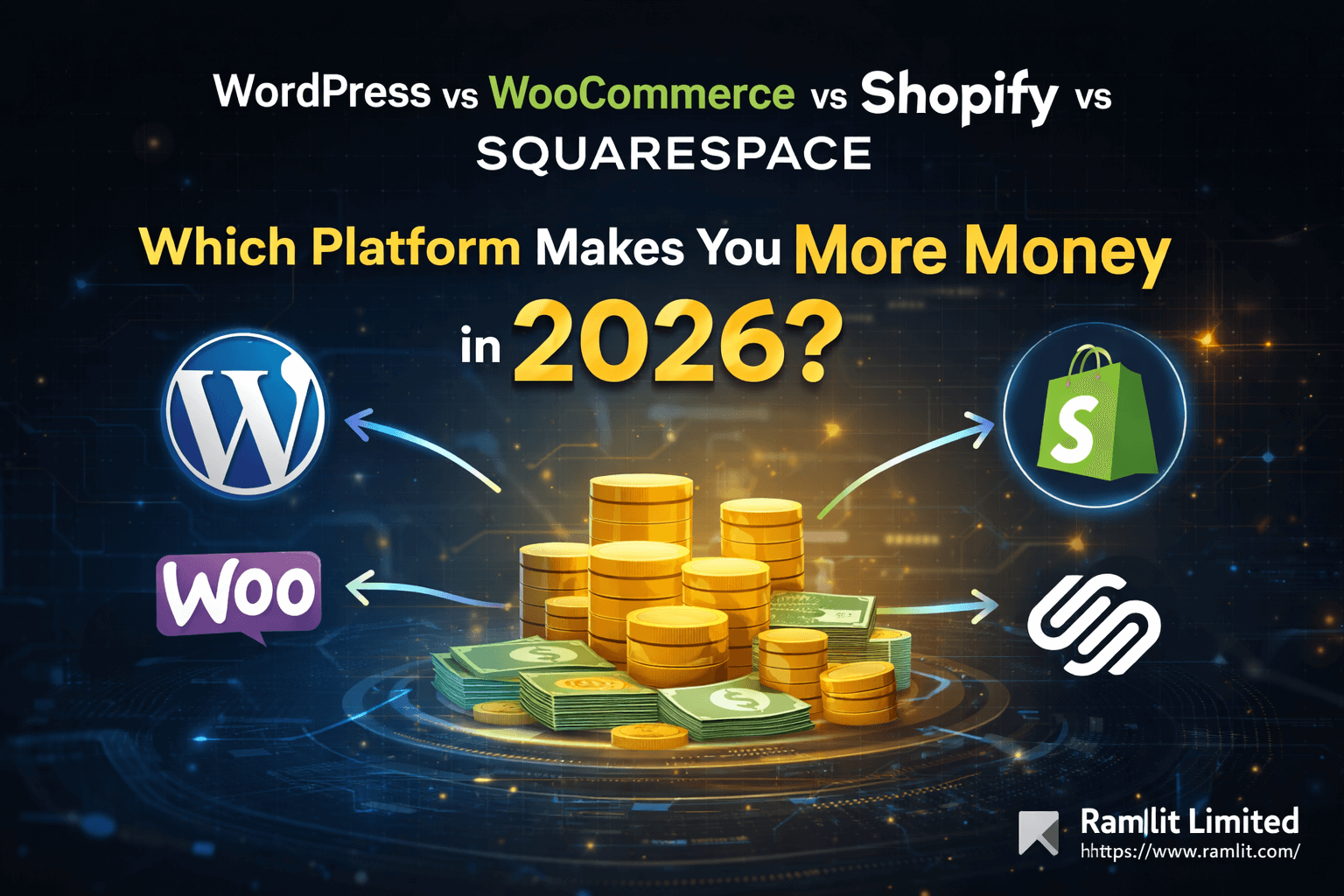

WordPress vs WooCommerce vs Shopify vs Squarespace: Which Platform Makes You More Money in 2026?
Choosing a website platform isn’t a “tech decision.” It’s a revenue decision.
Pick the wrong platform and you’ll feel it fast: slow pages, poor SEO, limited checkout options, expensive add-ons, or a site that looks nice but doesn’t convert. Pick the right platform and you get the opposite: clean user experience, better rankings, higher trust, and a store or website you can scale without rebuilding from scratch.
In this guide, we’ll compare the four most popular platforms businesses use today:
- WordPress (best for content + lead generation)
- WooCommerce (eCommerce powered by WordPress)
- Shopify (built for selling at scale)
- Squarespace (beautiful websites with simplicity)
You’ll get a clear, practical breakdown of each platform across SEO, speed, design, cost, conversions, security, and scalability—plus a decision framework so you can choose confidently.
Quick Overview: What Each Platform Is Best For
Before we go deep, here’s the simplest way to think about them:
WordPress
Best for: blogs, service websites, SEO content, lead generation, flexible marketing pages Not ideal for: eCommerce without extra setup
WooCommerce
Best for: stores that want full control, advanced customization, strong SEO, content + commerce Not ideal for: teams that don’t want maintenance
Shopify
Best for: selling products fast, stable checkout, growth apps, scaling without technical headaches Not ideal for: businesses that want full platform control or deep content-first SEO
Squarespace
Best for: portfolios, small business sites, premium design quickly, simple selling Not ideal for: complex eCommerce or heavy SEO scaling
The Real Question: What Job Should Your Website Do?
Every successful website does one primary job extremely well. Choose based on that job:
- Generate leads (service business, agency, local business)
- Sell products (eCommerce, subscriptions, bundles)
- Build authority with content (blog, SEO strategy, niche dominance)
- Look premium with minimal effort (portfolio, creators, consultants)
- Do everything (hybrid: content + store + marketing automation)
Now let’s compare platforms based on what actually impacts growth.
1) SEO Comparison: Which Platform Ranks Best on Google?
SEO is not just “having a blog.” It’s site speed, technical structure, metadata control, schema, internal linking, and how easily you can publish and optimize content at scale.
WordPress: The SEO Growth King (Content-First)
If your plan is to publish content weekly, build topical authority, and rank for competitive keywords, WordPress is the strongest choice.
Why WordPress wins for SEO:
- Best blogging + content management experience
- Full control over technical SEO and site structure
- Powerful SEO tools (RankMath / Yoast)
- Easy internal linking + content clusters
- Advanced schema and on-page optimization options
Main risk:
- WordPress can get slow if you use heavy themes and too many plugins without optimization.
WooCommerce: Powerful SEO + Store Together
WooCommerce inherits WordPress’s SEO strength, which is why many stores rank extremely well. You can build content funnels that lead to product pages—great for long-term organic growth.
Why it works:
- Product pages + blog content in one ecosystem
- Full category and collection SEO control
- Flexible schema optimization for products
Main risk:
- Poor hosting and plugin bloat can hurt speed (and rankings).
Shopify: Good Product SEO, Limited Deep Control
Shopify does product and collection SEO well. Many Shopify stores rank great. But if you’re aiming for deep technical control and aggressive content scaling, Shopify can feel restrictive.
Pros:
- Clean platform structure
- Fast and stable hosting
- Strong for product discovery and shopping experiences
Limitations:
- Some URL structures are fixed
- Advanced schema and SEO often needs apps or custom dev
- Blog is fine, but not as powerful as WordPress for content operations
Squarespace: Solid for Small Sites, Not for SEO Dominance
Squarespace can rank—especially for local businesses and portfolios. But it’s not the best choice if your strategy is “publish a lot, rank for a lot.”
Pros:
- Easy meta settings
- Clean templates and stable hosting
Limitations:
- Less flexible technical SEO
- Content scaling is weaker than WordPress
SEO Winner by goal:
- Content growth: WordPress
- Content + store SEO: WooCommerce
- Product-first SEO: Shopify
- Small/local presence: Squarespace
2) eCommerce Comparison: Which Sells Better?
If your main revenue comes from products, your platform must support high conversions and a smooth checkout.
Shopify: Best Overall for Selling at Scale
Shopify is designed for eCommerce from day one. It’s stable, conversion-friendly, and easier to scale.
Shopify excels at:
- Fast checkout and payment options
- Inventory and order management
- Shipping and tax tools
- Multi-channel selling (Instagram, TikTok, Facebook)
- Growth features via apps (upsells, bundles, subscriptions)
Main downside:
- Apps can increase monthly costs
- Customization can require Shopify-specific development
- You’re locked into Shopify’s ecosystem
WooCommerce: Most Flexible Store System (With More Responsibility)
WooCommerce can match Shopify in features, and sometimes surpass it—especially for custom needs.
WooCommerce is best for:
- Custom checkout flows and advanced pricing logic
- Unique product types and business rules
- Full ownership of your store and data
- Strong SEO + content strategy combined
Main downside:
- You must manage hosting, performance, and updates
- Plugin conflicts are possible if the setup is messy
Squarespace: Simple Selling Only
Squarespace eCommerce works for:
- Small product catalogs
- Simple digital products
- A few services or bookings
- Stylish brand presentation
Not ideal for:
- Large inventory
- Advanced shipping rules
- Strong conversion optimization toolsets
WordPress (without WooCommerce)
WordPress alone is not an eCommerce platform. You’ll need WooCommerce or a third-party checkout tool if you want to sell.
eCommerce winner:
- Fastest to sell and scale: Shopify
- Best custom store with ownership: WooCommerce
- Best simple shop + premium site: Squarespace
3) Design & Branding: Which Looks Most Premium?
Squarespace: Best “Looks Premium Fast”
Squarespace templates are beautiful out of the box. Great for:
- Consultants and service businesses
- Portfolios and creators
- Small brands that want a premium look quickly
Shopify: Best Store Templates
Shopify themes are built to sell. They focus on product browsing and conversion.
WordPress/WooCommerce: Best Custom Design Potential
You can build anything—but quality depends on:
- theme choice
- builder choice
- developer/design execution
Design winner by use case:
- Premium site fast: Squarespace
- Store UI built for conversions: Shopify
- Full custom brand experience: WordPress/WooCommerce
4) Speed & Performance: Who Wins Core Web Vitals?
Speed impacts conversions and SEO.
Shopify: Most Consistent
Shopify hosting is optimized and generally fast.
Squarespace: Usually Fast Enough
Stable for normal sites, but heavy images/videos can slow it down.
WordPress/WooCommerce: Can Be the Fastest—Or the Slowest
With the right setup (good hosting + caching + optimized theme), WordPress can be extremely fast. Without it, it becomes slow.
Performance summary:
- Predictable: Shopify
- Simple sites: Squarespace
- Best when professionally optimized: WordPress/WooCommerce
5) Cost: What You Pay Now vs Later
A platform’s cost is not just monthly fees. It’s also:
- developer support
- apps/plugins
- maintenance
- future rebuild costs
Shopify Costs
- Monthly plan
- App subscriptions
- Potential platform transaction fees (depending on setup)
Squarespace Costs
- Simple monthly pricing
- Low maintenance cost
WordPress/WooCommerce Costs
- Hosting + theme + plugins
- Optional but recommended: professional setup and maintenance
Cost summary:
- Lowest ongoing hassle: Squarespace
- Predictable store costs: Shopify
- Best long-term ownership value: WordPress/WooCommerce
6) Security & Maintenance: Who Handles It?
Shopify & Squarespace
They handle platform updates, security, hosting reliability.
WordPress/WooCommerce
You’re responsible for:
- updates
- backups
- security hardening
- malware prevention
- performance monitoring
If you want full control, WordPress/WooCommerce is great—just treat maintenance as non-negotiable.
Best Platform by Business Type (Practical Picks)
Choose WordPress if you are:
- a service business focused on leads
- building SEO traffic through content
- publishing regularly
- running marketing campaigns with landing pages
Choose WooCommerce if you are:
- selling products but want full control
- building content + store together
- needing advanced customization
- planning unique pricing rules or integrations
Choose Shopify if you are:
- serious about eCommerce growth
- wanting reliable checkout + stability
- scaling products and marketing fast
- preferring less technical maintenance
Choose Squarespace if you are:
- a consultant/creator/portfolio brand
- wanting a premium site quickly
- selling a few products/services only
- prioritizing simplicity over flexibility
The “No-Regret” Decision Framework
Answer these six questions:
- Is product selling your main revenue engine?
- Yes → Shopify or WooCommerce
- No → WordPress or Squarespace
- Is SEO content your main growth strategy?
- Yes → WordPress or WooCommerce
- Do you need advanced store features (subscriptions, bundles, complex shipping)?
- Yes → Shopify or WooCommerce
- Do you want total ownership and control?
- Yes → WordPress/WooCommerce
- Do you want minimal maintenance and fewer technical risks?
- Yes → Shopify/Squarespace
- Are you building for scale in 12–24 months?
- Yes → Shopify or a professionally optimized WooCommerce
Common Mistakes (That Cost Real Money)
Mistake 1: Picking the prettiest platform instead of the best growth platform
A site that “looks good” but doesn’t rank or convert is not a win.
Mistake 2: Building WooCommerce on cheap hosting
This kills speed, SEO, and stability.
Mistake 3: Installing too many plugins
Every plugin is a risk. Lean stacks win.
Mistake 4: Ignoring conversion strategy
Platform choice matters, but conversion strategy matters more: copy, UX, offers, trust, and funnels.
Professional Service CTA (High-Converting)
If you want the fastest, safest way to choose: I can review your business goals and recommend the best platform with a clear setup roadmap—so you don’t waste money rebuilding later.
I can help you with:
- Platform selection (based on your revenue model and growth plan)
- Shopify store setup + conversion optimization
- WooCommerce performance + SEO hardening (Core Web Vitals)
- WordPress SEO + lead generation funnel build
- Squarespace premium design + local SEO foundations
- Full migration without losing SEO (WordPress ↔ Shopify ↔ Squarespace)
If you share:
- your business type
- what you sell (products/services)
- your target market
- your budget range I’ll recommend the best platform and a smart launch plan.
FAQ
Is WooCommerce better than Shopify?
WooCommerce is better for ownership and customization. Shopify is better for stability, speed-to-launch, and scaling eCommerce with less maintenance.
Is Squarespace good for business?
Yes—especially for service businesses, creators, and small brands that want a premium site quickly.
Can I rank on Google with Shopify?
Yes—especially for product pages and collections. For heavy content scaling, WordPress is typically stronger.
Which platform is best for long-term growth?
For content-based growth: WordPress. For product-based growth: Shopify (or WooCommerce with a professional setup).
Let's Work Together
Looking to build AI systems, automate workflows, or scale your tech infrastructure? I'd love to help.
- Fiverr (custom builds & integrations): fiverr.com/s/EgxYmWD
- Portfolio: mejba.me
- Ramlit Limited (enterprise solutions): ramlit.com
- ColorPark (design & branding): colorpark.io
- xCyberSecurity (security services): xcybersecurity.io