Introduction
Running a business means managing dozens of tasks every day—answering customer questions, processing leads, sending emails, updating data, creating reports, managing social media, following up with prospects, and keeping internal operations organized.
The problem is that many businesses still handle these repetitive tasks manually.
While manual work may seem manageable at first, it becomes expensive as a business grows. Employees spend valuable hours performing repetitive activities instead of focusing on strategy, customer relationships, innovation, and revenue-generating work.
This is where AI automation can make a major difference.
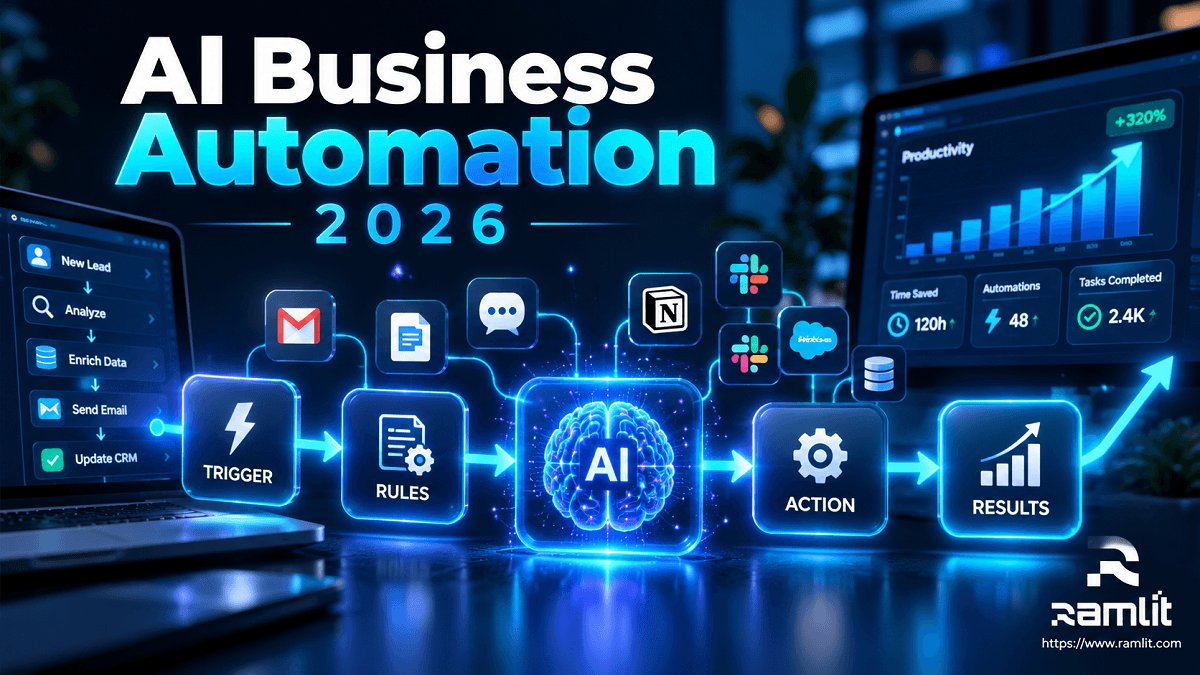
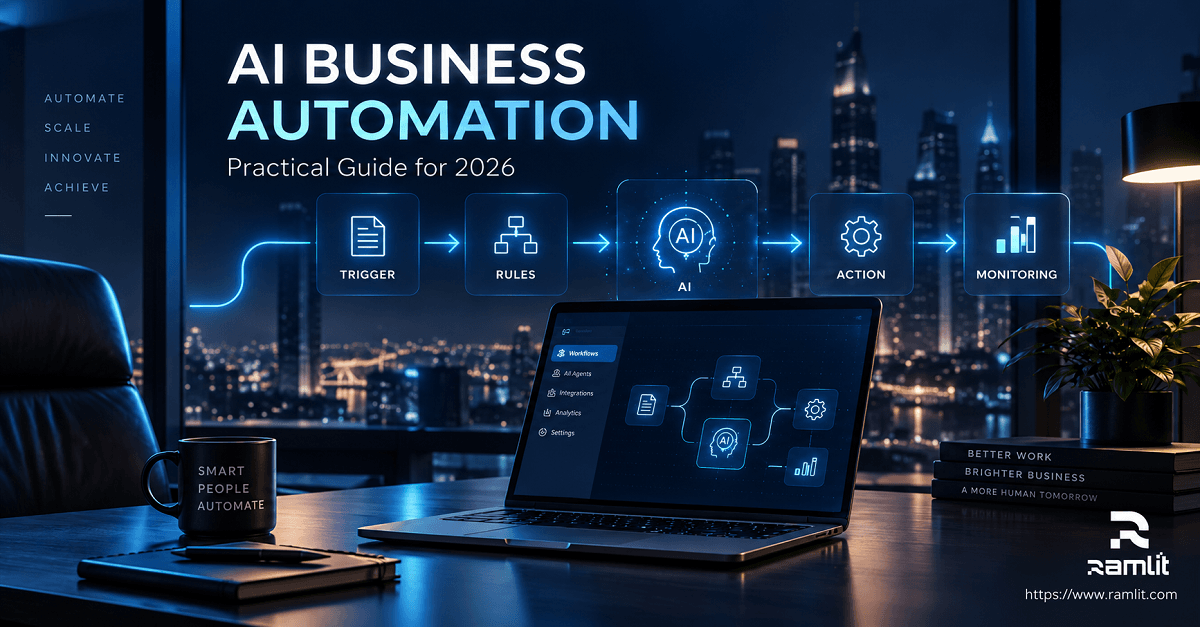
AI automation combines artificial intelligence with automated workflows to handle repetitive business processes with minimal human intervention. From AI-powered customer support and lead management to automated content creation and intelligent data processing, businesses can use automation to work faster and smarter.
The goal isn't simply to replace human workers.
The goal is to remove unnecessary repetitive work so people can focus on work that actually matters.
In this guide, we'll explore how AI automation can help businesses save time, reduce operational costs, improve customer experiences, and ultimately increase sales.
What Is AI Automation?
AI automation refers to using artificial intelligence to perform tasks, make decisions, analyze information, and execute workflows automatically.
Traditional automation usually follows predefined rules:
If X happens → Do Y.
AI automation can go further by understanding information, identifying patterns, generating content, communicating with customers, and adapting its responses based on context.
For example, a traditional automation might send the same email to every customer.
An AI-powered system could analyze a customer's question, understand their intent, generate an appropriate response, and route the conversation to the correct department when human assistance is required.
AI automation can be used across areas such as:
- Customer support
- Lead generation
- Sales follow-ups
- Email marketing
- Data entry
- Content creation
- Appointment scheduling
- Document processing
- Reporting and analytics
- E-commerce operations
- Internal business workflows
Why Are Businesses Moving Toward AI Automation?
Modern businesses are under constant pressure to do more with fewer resources.
Customers expect faster responses. Employees want better tools. Competition is increasing, and businesses need to make decisions quickly.
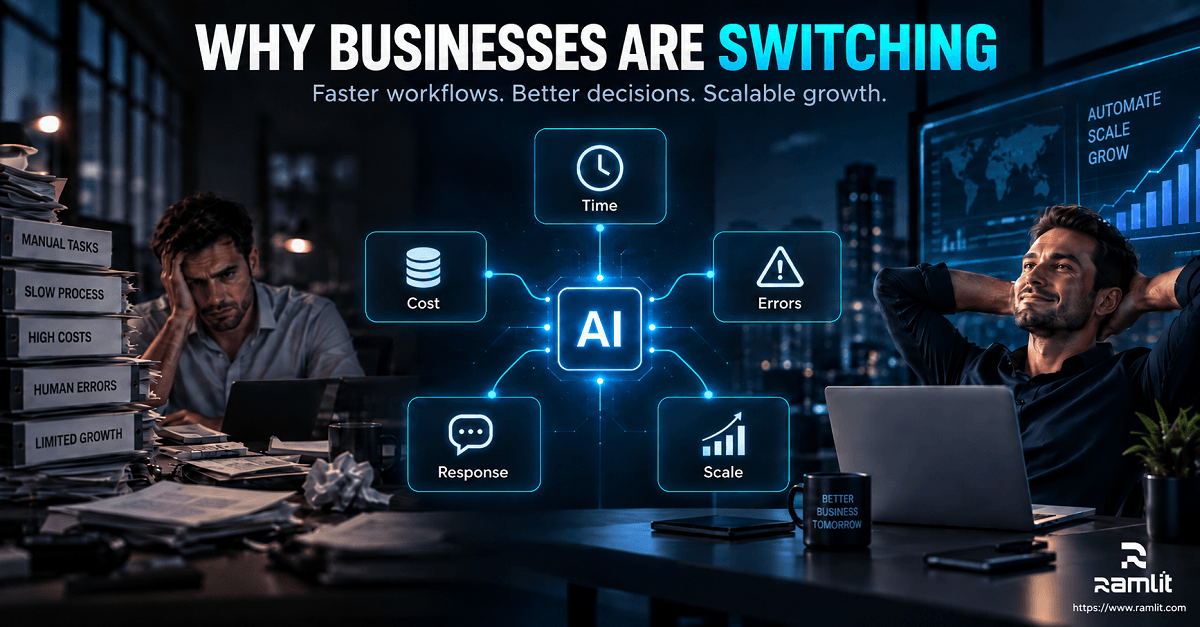
Manual processes create several problems:
1. They consume valuable time
Employees can spend hours performing repetitive tasks that could potentially be automated.
2. They increase operational costs
More manual work often means more employee hours and higher administrative expenses.
3. Human errors become more likely
Copying information, entering data, sending emails, or processing repetitive requests manually can lead to mistakes.
4. Customer response times become slower
If customers have to wait hours for a simple answer, they may move to a competitor.
5. Business growth becomes harder
When every additional customer requires more manual work, scaling becomes difficult.
AI automation helps businesses address these challenges by creating faster, more intelligent, and scalable workflows.
1. Save Hundreds of Hours Through Intelligent Automation
Time is one of the most valuable resources in any business.
Consider a company receiving hundreds of customer inquiries every week. Employees may spend significant amounts of time answering similar questions.
An AI chatbot can handle common questions automatically, provide instant responses, collect customer information, and escalate complex conversations to human staff.
Similarly, AI automation can handle tasks such as:
- Sorting emails
- Extracting information from documents
- Updating CRM records
- Generating reports
- Scheduling meetings
- Sending follow-up messages
- Categorizing customer requests
- Creating repetitive business documents
Instead of employees spending hours on these activities, they can focus on higher-value responsibilities.
Automation doesn't just save minutes—it can save entire workdays.
2. Reduce Business Costs
Reducing costs doesn't always mean reducing employees.
A smarter approach is to reduce unnecessary repetitive work.
Suppose an employee spends several hours every week manually processing customer inquiries. If an AI system can automatically handle the majority of simple requests, that employee can spend more time on sales, customer relationships, or strategic activities.
This can reduce the cost associated with:
- Administrative work
- Customer support
- Data processing
- Lead qualification
- Reporting
- Content production
- Repetitive communication
The result is better resource utilization.
Businesses can get more output from the same team without continuously increasing operational expenses.
3. Increase Sales With Faster Lead Response
Speed matters in sales.
When a potential customer submits an inquiry, a business that responds quickly has a better opportunity to continue the conversation.
AI automation can help businesses:
- Capture a new lead
- Analyze the lead
- Identify customer intent
- Qualify the prospect
- Send an immediate response
- Add the lead to a CRM
- Schedule a follow-up
- Notify the sales team
For example, imagine a customer submits a request through your website at 2 AM.
Instead of waiting until the next morning, an AI system can immediately respond, answer initial questions, collect relevant information, and notify your sales team.
This creates a faster and more professional customer journey.

4. Provide 24/7 Customer Support
Customers don't always contact businesses during office hours.
AI-powered chatbots and virtual assistants can provide support around the clock.
They can answer frequently asked questions such as:
- What are your services?
- How much does this product cost?
- How long does delivery take?
- How can I book an appointment?
- What is your refund policy?
- How can I track my order?
For complex issues, the AI can transfer the conversation to a human representative.
This creates a hybrid customer support system where AI handles repetitive questions while humans focus on complicated or sensitive situations.
5. Automate Sales Follow-Ups
Many potential customers don't buy immediately.
They may need more information, time to compare options, or simply forget to respond.
Manual follow-ups are often inconsistent.
AI automation can create structured follow-up workflows.
For example:
Day 1: Send initial response Day 3: Send helpful information Day 7: Follow up with a relevant offer Day 14: Send another reminder Day 30: Re-engage the prospect
The exact workflow depends on the business.
AI can also personalize messages based on customer behavior, previous conversations, and interests.
This allows businesses to maintain relationships with prospects without requiring employees to remember every follow-up manually.
6. Improve Marketing With AI Automation
Marketing teams produce a huge amount of content.
AI automation can help streamline the process.
For example, a business can create a workflow where a topic is entered into a system and AI helps:
- Research the topic
- Generate content ideas
- Create blog outlines
- Draft articles
- Generate social media posts
- Create email copy
- Suggest keywords
- Prepare content for publishing
Human review is still important, especially for brand voice, accuracy, and strategic decisions.
But instead of starting from zero, marketers can use AI to accelerate the production process.
7. Automate Data Entry and Processing
Data entry is one of the most repetitive business activities.
Employees may need to move information between:
- Emails
- Spreadsheets
- CRM systems
- Websites
- Accounting platforms
- Databases
- Internal applications
AI automation can extract information from documents and emails, classify it, and send it to the appropriate system.
For example:
Customer submits form → AI reads information → validates data → updates CRM → notifies sales team
This reduces repetitive work and helps maintain more consistent data.
8. Reduce Human Errors
Humans naturally make mistakes, particularly when performing repetitive work for long periods.
AI automation can reduce errors in structured processes by consistently following defined workflows.
For example, automation can ensure that:
- Required fields are completed
- Leads are properly categorized
- Follow-up emails are triggered
- Customer information is transferred correctly
- Reports are generated consistently
However, AI systems should still have appropriate monitoring, validation, and human oversight—especially for important business decisions.
9. Make Better Business Decisions With AI
Automation isn't only about completing tasks.
AI can also help businesses understand their data.
An AI-powered analytics system can identify:
- Sales trends
- Customer behavior
- Product performance
- Marketing performance
- Lead quality
- Operational bottlenecks
Instead of manually reviewing large amounts of data, business owners can receive summarized insights and recommendations.
For example:
"Your website receives the highest number of qualified leads between 6 PM and 10 PM."
Insights like these can help businesses optimize their sales and marketing strategies.
10. Scale Your Business Without Scaling Every Manual Task
One of the biggest advantages of AI automation is scalability.
Imagine your business doubles its number of customers.
With a completely manual system, your workload may also double.
But with automation, many processes can handle increased demand without requiring the same increase in manual effort.
For example:
100 customers → automated workflow → 1,000 customers
The system can continue handling repetitive processes while your team focuses on managing growth.
This makes AI automation particularly valuable for startups, e-commerce businesses, SaaS companies, agencies, and growing service businesses.
What Business Processes Should You Automate First?
Not every process needs AI.
The best candidates are usually tasks that are:
- Repetitive
- Time-consuming
- Rule-based
- High-volume
- Frequently delayed
- Prone to human error
- Easy to measure
A good starting point could be:
Customer Support
Automate FAQs, ticket classification, and initial responses.
Lead Management
Automate lead capture, qualification, CRM updates, and notifications.
Sales
Automate follow-ups, reminders, and appointment scheduling.
Marketing
Automate content workflows, email campaigns, and customer segmentation.
Operations
Automate data entry, document processing, reporting, and notifications.
AI Automation vs Traditional Automation
Traditional automation is extremely useful, but AI introduces additional capabilities.
| Traditional Automation | AI Automation |
|---|---|
| Rule-based | AI-powered decision support |
| Fixed workflows | Context-aware workflows |
| Structured inputs | Can handle natural language |
| Limited flexibility | More adaptable |
| Repetitive task execution | Task execution + understanding |
| Simple if/then logic | Can analyze and generate information |
The best business systems often combine both.
Traditional automation can handle predictable processes, while AI can handle tasks requiring language understanding, classification, analysis, or generation.
How to Start AI Automation in Your Business
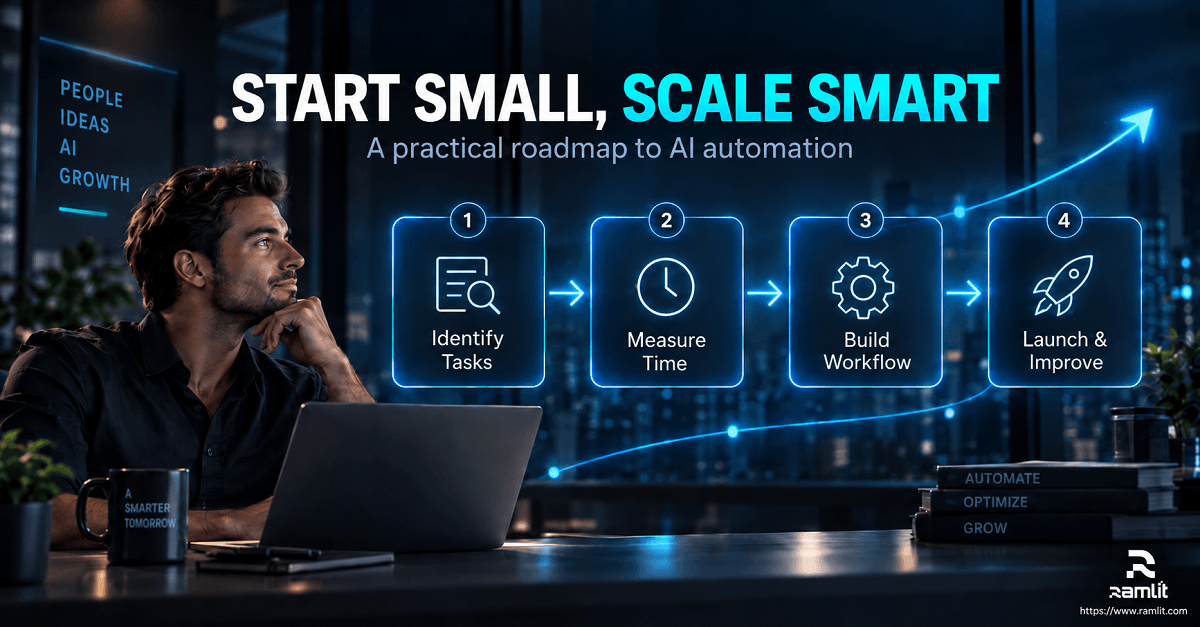
Implementing AI doesn't mean automating everything overnight.
A better approach is to start small.
Step 1: Identify repetitive tasks
Make a list of activities your team performs repeatedly.
Step 2: Measure the current process
Determine how much time and money each process consumes.
Step 3: Identify the highest-value opportunity
Choose a process where automation can create a measurable improvement.
Step 4: Design the workflow
Define what happens when a customer, lead, order, email, or document enters the system.
Step 5: Connect your tools
AI automation may connect your website, CRM, email platform, database, payment system, and other business tools.
Step 6: Test the workflow
Start with a controlled implementation and monitor the results.
Step 7: Improve continuously
Analyze performance and optimize the automation over time.
The Future of AI Automation
AI automation is becoming an important part of modern business infrastructure.
The future isn't simply about chatbots.
Businesses are moving toward intelligent systems capable of coordinating multiple tasks across different platforms.
For example:
Customer visits website → AI answers questions → captures lead → qualifies prospect → updates CRM → schedules meeting → sends confirmation → notifies sales team → generates follow-up
A process that once required several manual steps can increasingly become one connected workflow.
This is where the concept of AI agents becomes especially interesting.
AI agents can be designed to perform specific business responsibilities, interact with tools, and complete multi-step workflows with appropriate supervision.
Why Businesses Should Start Now
Businesses that adopt automation early can create operational advantages that become increasingly difficult for competitors to match.
Faster customer responses.
Lower operational costs.
More efficient employees.
Better follow-ups.
Improved customer experiences.
More scalable operations.
The question is no longer simply:
"Can AI automate this task?"
A better question is:
"How much of our business can we make smarter with AI while keeping humans in control?"
The companies that answer this question strategically will be better positioned for the next stage of digital business.
Conclusion
Manual work may be familiar, but familiar doesn't always mean efficient.
Every hour employees spend copying data, answering repetitive questions, following up with leads, generating routine reports, or performing administrative tasks is time that could be used for higher-value work.
AI automation provides businesses with an opportunity to rethink how work gets done.
By automating repetitive processes, businesses can save time, reduce costs, improve customer experiences, increase sales, and scale more efficiently.
The goal isn't to automate humans.
The goal is to automate the work that prevents humans from doing their best work.
Whether you're running an e-commerce store, SaaS company, agency, startup, or service-based business, there may already be processes in your operation that AI could handle more efficiently.
The first step is identifying them.
Frequently Asked Questions (FAQ)
1. What is AI automation in business?
AI automation uses artificial intelligence and automated workflows to perform repetitive tasks, analyze information, communicate with customers, and execute business processes with minimal manual intervention.
2. How can AI automation save businesses money?
AI automation can reduce the amount of time employees spend on repetitive tasks such as data entry, customer support, lead qualification, reporting, and follow-ups. This allows businesses to use their existing resources more efficiently.
3. Can AI automation increase sales?
Yes. AI automation can improve lead response times, automate follow-ups, qualify prospects, personalize communication, and provide 24/7 customer assistance—all of which can contribute to better sales performance.
4. Can small businesses use AI automation?
Absolutely. Small businesses can start with simple automation such as AI chatbots, lead capture, appointment scheduling, email follow-ups, and automated customer support.
5. Will AI automation replace employees?
AI automation is primarily valuable for reducing repetitive work. Instead of replacing every human task, businesses can use AI to support employees and allow them to focus on strategy, creativity, relationships, and complex decision-making.
6. What tasks should a business automate first?
Start with repetitive, high-volume, time-consuming tasks such as customer FAQs, lead management, data entry, appointment scheduling, email follow-ups, reporting, and routine administrative workflows.
7. Is AI automation difficult to implement?
The complexity depends on the business and the systems involved. Simple workflows can be implemented relatively quickly, while advanced AI automation involving multiple platforms, databases, APIs, and AI agents requires more planning and development.
8. Can AI automation work with existing business software?
Yes. AI automation can often connect with websites, CRM platforms, e-commerce systems, databases, email platforms, payment systems, and other applications through APIs and automation tools.
9. How much does AI automation cost?
The cost depends on the complexity of the workflow, number of integrations, AI models, infrastructure, and level of customization required. A simple chatbot can cost much less than a fully customized AI automation platform.
10. What is the first step toward AI automation?
The first step is to identify repetitive processes that consume significant time or create operational bottlenecks. From there, you can determine which process offers the greatest potential return from automation.
Let's Work Together
Looking to build AI systems, automate workflows, or scale your tech infrastructure? I'd love to help.
- Fiverr (custom builds & integrations): fiverr.com/s/EgxYmWD
- Portfolio: mejba.me
- Ramlit Limited (enterprise solutions): ramlit.com
- ColorPark (design & branding): colorpark.io
- xCyberSecurity (security services): xcybersecurity.io