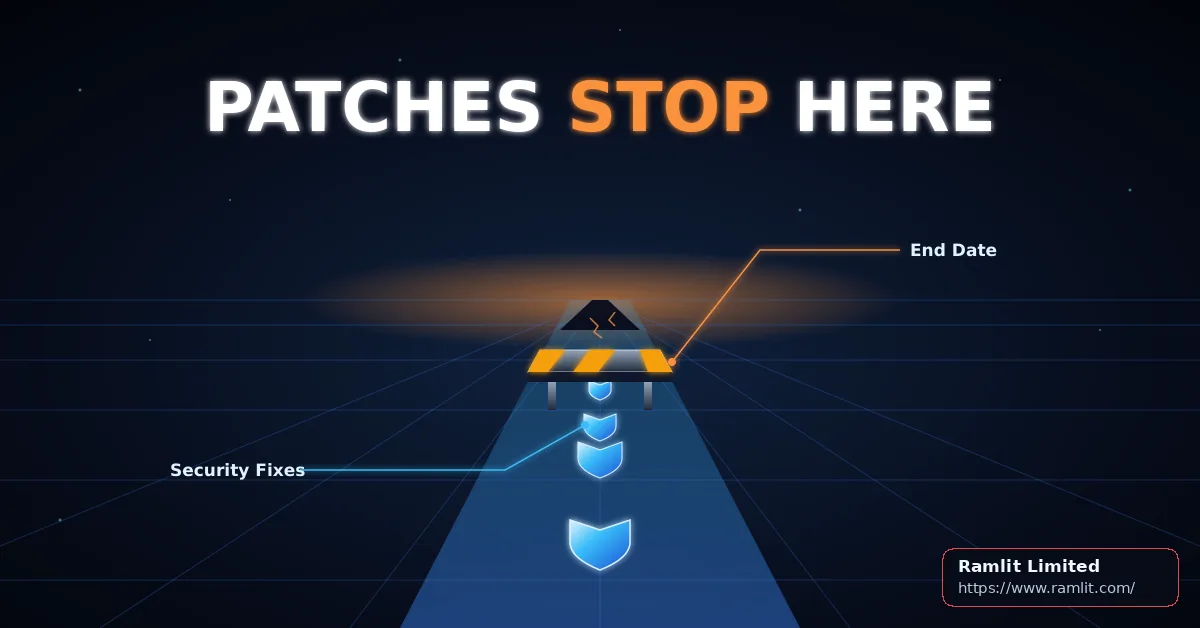
If your customer portal, order system or internal tool runs on PHP 8.2, the language it is built on stops receiving security fixes on 31 December 2026. Any vulnerability found in PHP 8.2 after that date stays open on your servers, and the gap stays your problem until you move. You still have time to choose your next step, but you have little time to put it off.
What the 31 December 2026 date means for a PHP 8.2 app
PHP follows a fixed lifecycle. According to php.net's supported versions page, each release branch is fully supported for two years from its first stable release, with reported bugs and security issues fixed in regular point releases. After that, a branch gets two more years of fixes for critical security issues only. Once the four years are up, the branch reaches end of life and is no longer supported.
PHP 8.2 was released on 8 December 2022. Its active support ended on 31 December 2024, so for nearly two years it has only received critical security fixes. Even those are not scheduled. php.net states that security-only releases are made as needed, and there may be several point releases or none, depending on the number of reports. On 31 December 2026 that last safety net goes away.
The previous branch shows the pattern. PHP 8.1 reached end of life on 31 December 2025, and the unsupported branches page lists 8.1.34 as its last release. No 8.1.35 will follow, whatever is discovered later.
From late November 2026, about five weeks remain. For most teams that is too little time to audit, upgrade, test and deploy a business-critical app with care. Treat the date as the point by which you should have a funded plan and a target version, rather than the day everything must be finished. A short, deliberate overrun carries less risk than a rushed cut-over in the holiday freeze.
Confirm which PHP version production and staging actually run
An upgrade quote can go wrong at the first step if nobody has checked which version every part of the system really uses. A single app often runs PHP in several places, and they do not always match.
Build one table with a row for each environment and the version it reports:
- Production web servers
- Staging or test servers
- Scheduled tasks (cron jobs)
- Queue workers and background processes
- CI or build images used to test and package the code
- Any separate admin, reporting or API servers
Ask your developer to run these commands on each server and paste the output into the table:
php -v
php -r 'echo PHP_VERSION, PHP_EOL;'
These report the command-line PHP. Web requests can be served by a different PHP binary or pool than the one the command line uses, so the hosting control panel or the web server's PHP configuration needs checking as well. Look specifically for a server that shows 8.3 on the command line while serving the website on 8.2, because that mismatch would give you false confidence about where you stand.
This inventory is a small task to request. It prevents a much more expensive mistake: paying for an upgrade plan built on the wrong starting point. If you already have someone handling routine work on the app, this check fits naturally into the kind of support covered in PHP Laravel Developer for Full-Stack Web Apps: Bug Fixes, Performance Optimization, and Ongoing Support.
What losing security fixes means for risk, hosting and compliance
The direct consequence comes from php.net itself: users of an end-of-life release should upgrade as soon as possible, as they may be exposed to unpatched security vulnerabilities. Your app will keep running on 1 January 2027. What changes is that any new flaw found in PHP 8.2 will not be fixed by the PHP project.
The knock-on effects depend on your hosting arrangements, contracts and insurers, and they vary too much to assume. Put these questions to the people involved in writing:
- Your host or cloud provider: Will you keep offering PHP 8.2 after 31 December 2026? If so, on what terms, and will you apply any fixes yourselves? Will you force an upgrade, and with how much notice?
- Your auditor or the customers who send security questionnaires: Do your requirements say that software must be vendor-supported? How do you treat a documented upgrade plan with a date?
- Your cyber insurer: Do you expect supported software versions, and does an end-of-life runtime affect cover or claims?
The answers decide how much pressure the date really puts on you. A host that will remove PHP 8.2 sets a hard deadline. An enterprise customer questionnaire that asks for supported versions can affect renewals.
Running on 8.2 for a few weeks while a scoped upgrade is underway is a known risk with an end date, and you can explain it to an auditor or customer. Staying on it with no plan is open-ended, and that exposure grows every time a new PHP vulnerability is published.
Choosing a target PHP branch by years of cover
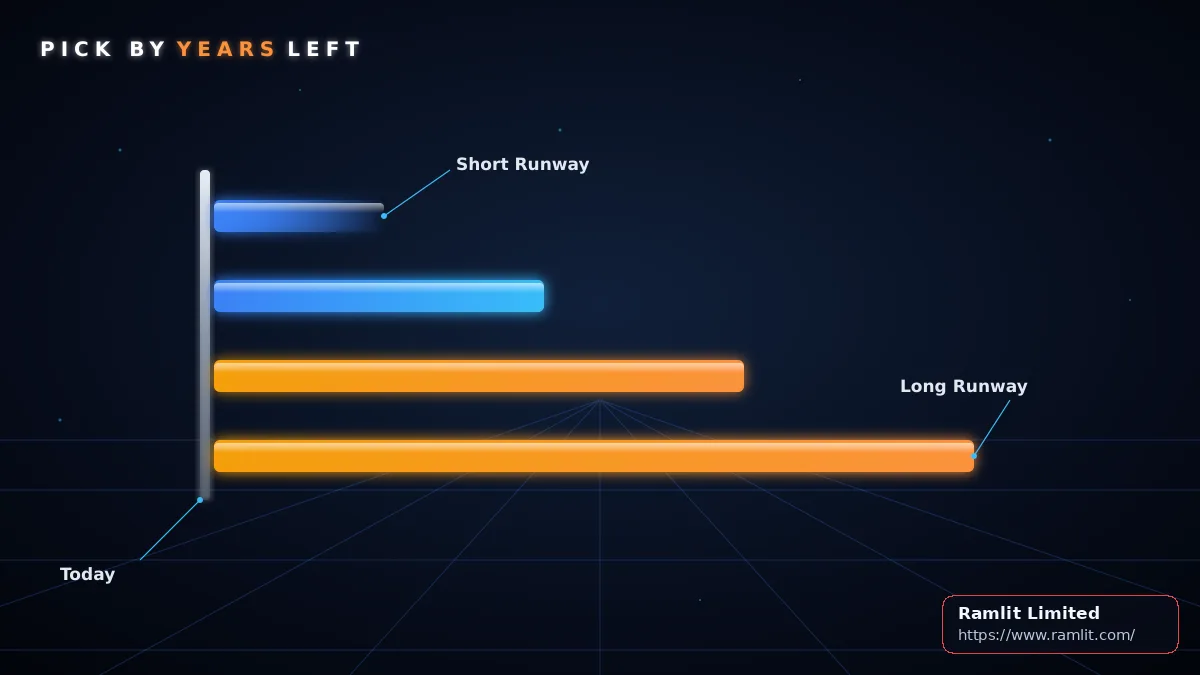
The obvious move is to step up to the next version. php.net's dates suggest that this is often the wrong choice. Here is what each currently supported target gives you, counted from January 2027:
| Target branch | Active support until | Security support until | Cover from Jan 2027 | Migration guides crossed from 8.2 |
|---|---|---|---|---|
| 8.3 | 31 Dec 2025 (ended) | 31 Dec 2027 | About 1 year, security-only | 1 |
| 8.4 | 31 Dec 2026 | 31 Dec 2028 | About 2 years, security-only | 2 |
| 8.5 | 31 Dec 2027 | 31 Dec 2029 | About 3 years | 3 |
| 8.6 | 31 Dec 2028 | 31 Dec 2030 | About 4 years | 4 |
All dates come from the supported versions page.
Two points matter for planning. PHP 8.3 has been security-only since 31 December 2025, so moving there buys about one year before you face this decision again. PHP 8.4 leaves active support on 31 December 2026, the same day 8.2 loses security support. If you pick 8.4, you start on a branch that already gets critical security fixes only.
Each step also means more change to check. php.net publishes a migration guide for every minor version. The 8.2 to 8.3 guide says each new minor version brings new features and a few incompatibilities that should be tested before switching production. The 8.3 to 8.4 guide has sections on backward-incompatible changes, deprecated features and removed extensions. Going from 8.2 to 8.5 means working through three of these guides, and going to 8.6 means four.
For most business apps, 8.5 is the sensible default. It gives about three years of cover and still has active bug fixes through 2027. PHP 8.6 gives the longest runway, but it was released on 19 November 2026. Whether your framework, packages and hosting support it yet has to be checked project by project before you commit. Choose 8.3 only if the app will be retired or replaced within about a year.
When to upgrade the runtime, partially rebuild or replace
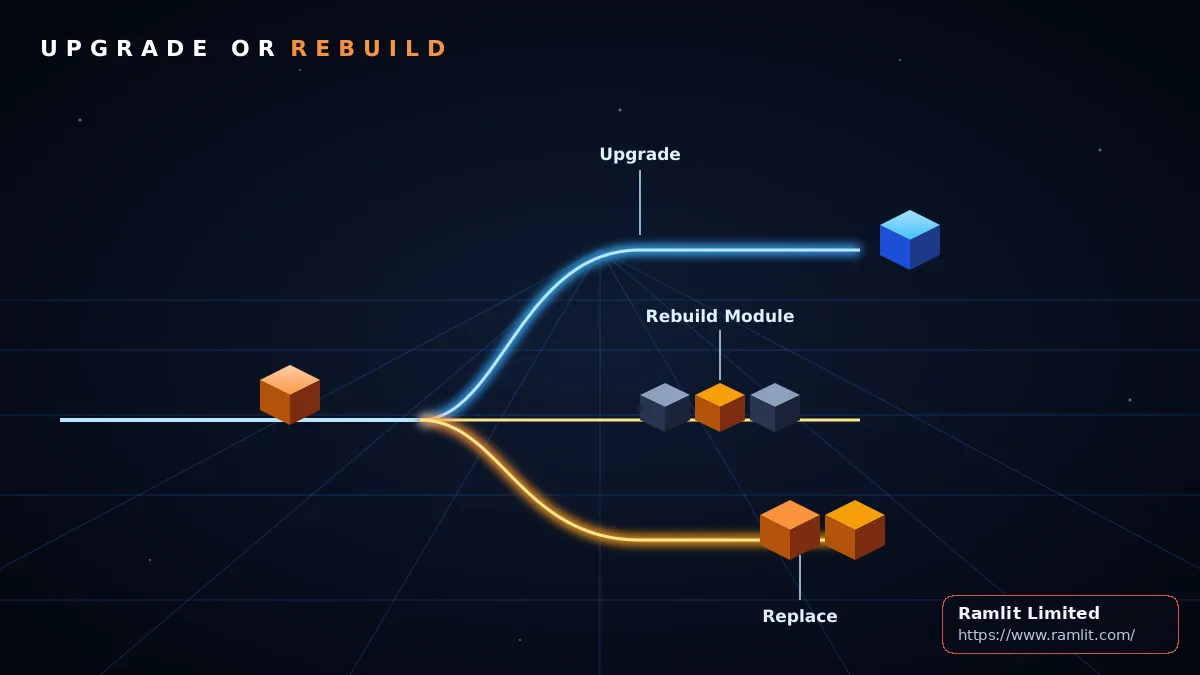
Take a typical case: an order-management app on PHP 8.2. Most of the code works on the newer version with modest fixes. Then one piece blocks the move, perhaps a reporting package nobody maintains or a PHP extension the app depends on. The 8.4 migration guide has a dedicated Removed Extensions section, so this is a real category of blocker and needs to be part of any audit.
At this point the question stops being purely technical. These rules of thumb help:
| Situation after the audit | Sensible route |
|---|---|
| A few blockers, each with a maintained replacement | Upgrade the runtime and swap the blockers |
| Blockers confined to one module, such as reporting or payments | Partially rebuild that module, then upgrade |
| Blockers spread through the codebase, poor test coverage, app close to the end of its business life | Consider replacement, and keep risk contained on the old system meanwhile |
A partial rebuild is often underrated. If the blocking code is isolated, rewriting that module on a current stack costs less than replacing the whole app and removes the blocker for good. A full replacement makes sense when you were already planning one and the runtime deadline simply brings the date forward. In that case, write down how the old system will be protected and when it will be switched off.
If you are weighing a rebuild, the reasoning in Why PHP Laravel Remains the Best Choice for Full-Stack Web App Development in 2026 is a useful input when deciding whether to stay on PHP for the new version.
FAQ: PHP 8.2 end of life questions buyers ask
Will my site stop working on 1 January 2027? No. PHP 8.2 keeps running. It stops receiving security fixes from the PHP project, so new vulnerabilities stay unpatched.
Should we move to 8.3 because it is the smallest step? Only if about one year of cover is enough. PHP 8.3's security support ends on 31 December 2027, so you would repeat this exercise next year.
Is PHP 8.6 too new? It depends on your dependencies. The branch itself has the longest support, to 31 December 2030, but each framework, package and extension the app uses must be confirmed compatible first.
How long will the upgrade take, and what will it cost? That depends on how many environments you run, how many blockers the audit finds and how much automated test coverage exists. Ask for a fixed-price audit first, then an estimate based on its findings.
Do we need to upgrade Laravel or another framework too? Possibly, but treat the framework version as a separate decision with its own scope. Ask the audit to state whether your target PHP version requires one.
Can we stay on 8.2 if our host still offers it? You can, but you carry the unpatched-vulnerability risk php.net warns about. Get the host's terms in writing and set an exit date.
Before you hire: what to require in scope, test plan and rollback plan
Whoever you hire, ask for these items in writing before work begins. They make quotes comparable and keep the project accountable.
Scope
- A version inventory for every environment: production, staging, cron, queue workers and CI.
- The chosen target branch with its active and security support dates from php.net, and the reason for choosing it.
- A dependency and extension audit checked against every php.net migration guide between 8.2 and the target.
- A written list of blockers, each with an upgrade, rebuild or replace recommendation and a rough effort range.
Test plan
- A staging environment running the exact target version.
- Named critical user journeys, such as login, checkout, invoicing and reporting, tested end to end.
- Cron and queue jobs run and checked, not only web pages.
- Deprecation warnings logged and reviewed, with fixes or accepted exceptions recorded.
Rollback plan
- The previous runtime kept available during and after cut-over.
- A switch-back step that has been tested on staging, not just written down.
- A named person who decides whether to roll back, and the criteria they will use.
If a proposal leaves any of these out, ask why before you sign. To judge who should do the work, the criteria in PHP Laravel Developer for Full Stack: Hire the Right Expert for Your Web App help you compare candidates. This week, run the version inventory, send the hosting and compliance questions, and book the dependency audit, so your target branch is chosen before 31 December 2026.
Want an experienced team to take this on? With Ramlit's Custom Software & Web Development, the aim is to help you bring a core business process into a maintainable application with clear roles, reliable integrations and a practical route from first release to growth. Packages and starting prices are on that page.